
Cutting GitHub from my site's deployment workflow


I've been using Publii to manage my site but apparently my site is too big for GitHub anymore. Any time I try to update my site and upload to GitHub, I get a 502 error.
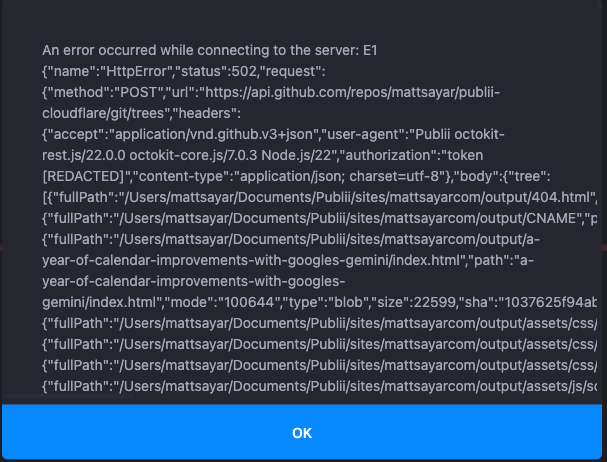
Pretty frustrating. That GitHub endpoint times out because there's simple too many files for it to handle. I've enjoyed having my website in a private GitHub repo so I could have a backup of my website before it's eventually published on Cloudflare. However, I already have everything backed up in Google Drive. Additionally, Cloudflare keeps a history of every time I deploy an update to my site.
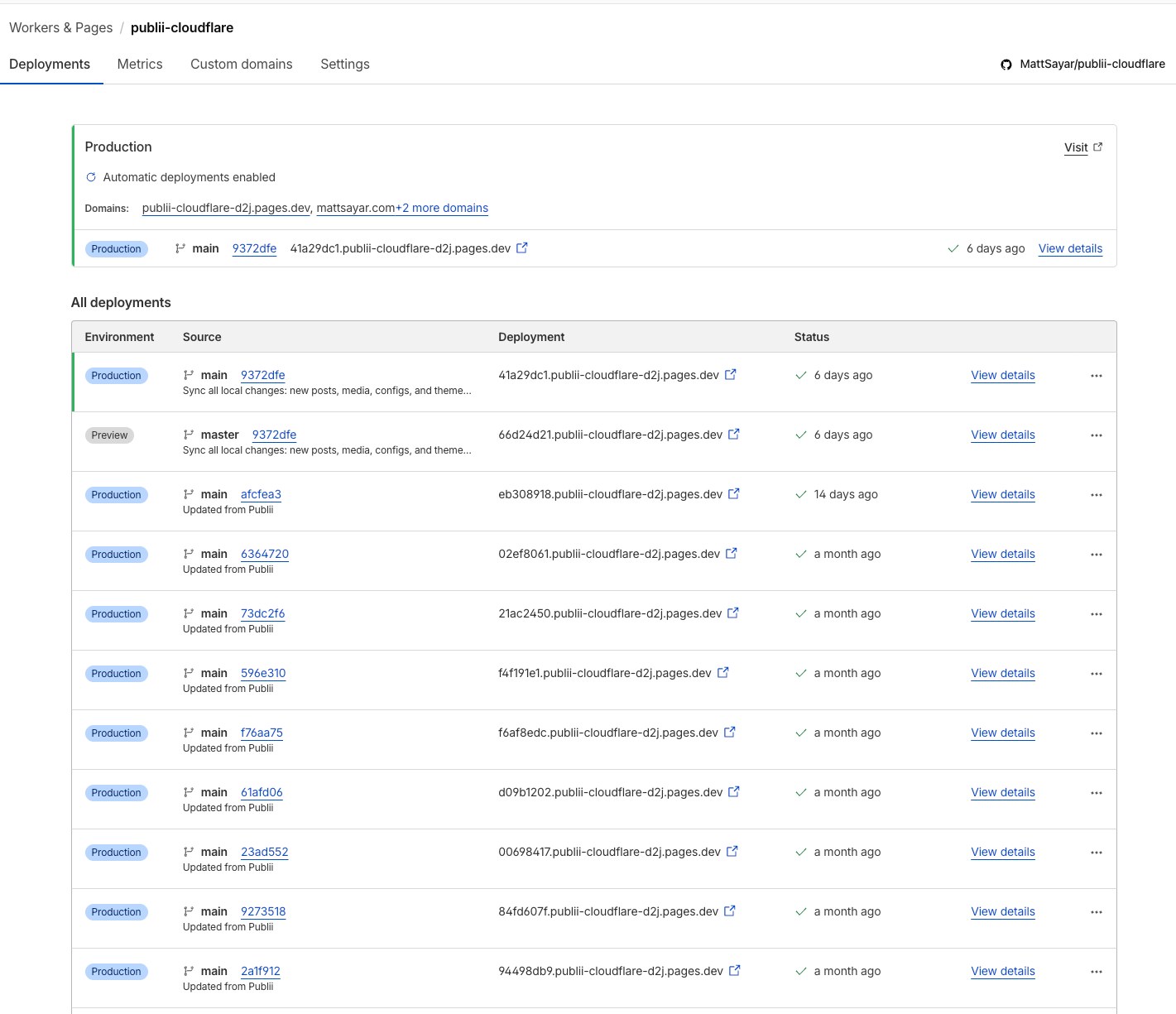
It's time to cut GitHub out of the equation. Here's how I've reconfigured my Publii/Mac setup so I can publish straight to Cloudflare without changing my workflow.
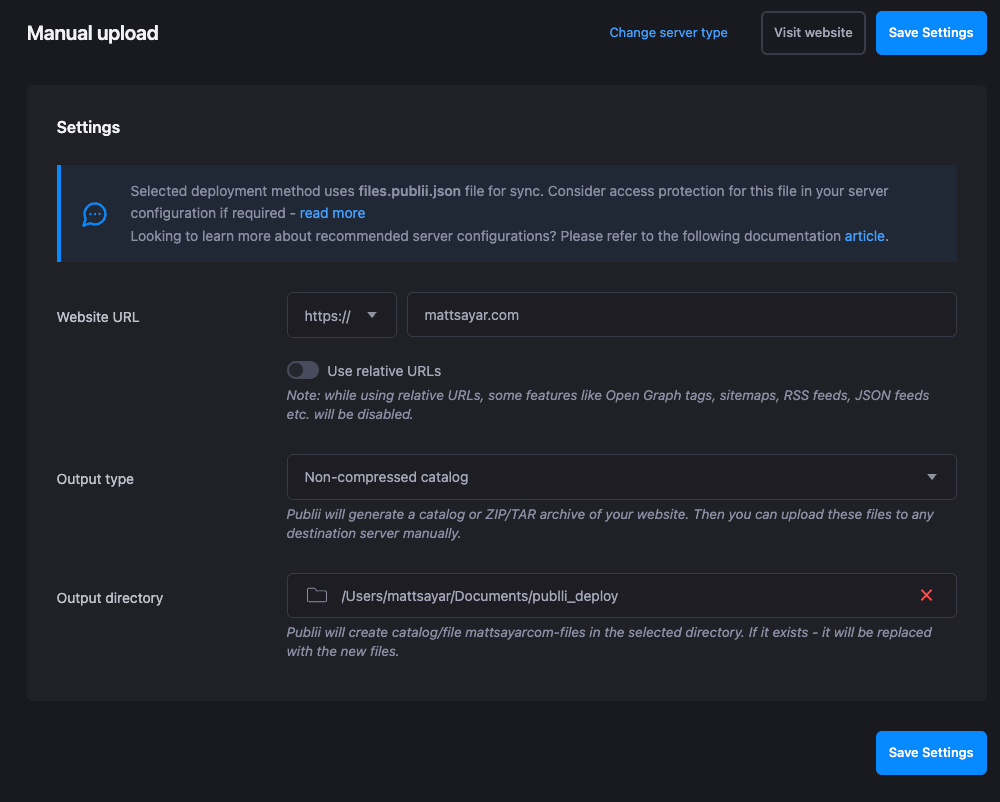
Reconfigure Publii to publish locally
Changed the Server Type to Manual and use a different output directory.
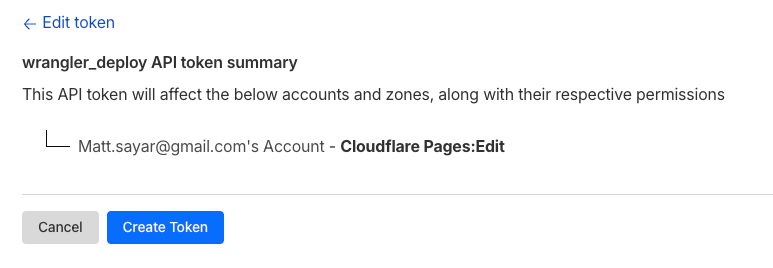
Create a Cloudflare token
This is for a local script to deploy it once it detects changed in that directory. I need to authenticate via an account token.
Create a bash script to deploy to Cloudflare
#!/bin/bash
DEPLOY_DIR="/Users/mattsayar/publii_deploy/mattsayarcom-files"
PROJECT="publii-cloudflare"
LOCKFILE="/tmp/publii-deploy.lock"

export HOME="/Users/mattsayar"
export USER="mattsayar"
export CLOUDFLARE_API_TOKEN="api_token"
export CLOUDFLARE_ACCOUNT_ID="account_id"

cd "$HOME"

/opt/homebrew/bin/fswatch -o -l 15 -e "\.DS_Store" "$DEPLOY_DIR" | while read; do
    NOW=$(date +%s)
    LAST_DEPLOY=$(cat /tmp/publii-deploy.last 2>/dev/null || echo 0)
    ELAPSED=$((NOW - LAST_DEPLOY))
    if [ "$ELAPSED" -lt 60 ]; then
        echo "[$(date)] Last deploy was ${ELAPSED}s ago, skipping (cooldown)."
        continue
    fi
    if [ -f "$LOCKFILE" ]; then
        echo "[$(date)] Deploy already running, skipping."
        continue
    fi
    touch "$LOCKFILE"
    echo "[$(date)] Change detected, deploying..."
    wrangler pages deploy "$DEPLOY_DIR" --project-name="$PROJECT" --branch=main
    echo "[$(date)] Deploy finished."
    date +%s > /tmp/publii-deploy.last
    rm -f "$LOCKFILE"
done
Don't forget to chmod +x deploy.sh. The fswatch utility monitors the directory for changes, and then it deploys when they're detected.
Update: I added some cooldown logic to the script since it did a lot of deploys in a short amount of time after I tested this out. Cloudflare only lets you have so many deployments before you start paying money, and it's best practice anyway.
Create a Launch Agent
This was new to me. It will listen for file changes in this new publii_deploy directory and run the script when detected. This only happens when I click "Sync Changes" in my Publii app. I added a .plistitem to my ~/Library/LaunchAgents directory, and it now shows publii-deploy.sh (with a magnifying glass leading to my in Launch Items and Extensions settings menu.

Now I can just deploy via the Publii UI, but files will deploy to a local folder, the Launch Agent will detect the change, run the script, and my changes will deploy to Cloudflare via wrangler. Then the site will update to all the nodes in Cloudflare's edge network.
Pros and Cons
Pros: No more bottleneck with GitHub. Don't have to worry about repo size. No more redundant backups.
Cons: I had to do all this. And I have to do it again on any other Mac I want to write posts on.
This is the first post I'm testing it with, so fingers crossed!